Iris on Mobile — Built for Your Phone, No App Store Needed
Iris Casino runs on your phone without a native app installation — the full iris mobile experience is available through the PWA. The brand delivers a full-featured mobile experience through a Progressive Web App (PWA) installed straight from the browser, giving you the same 10,000+ game library, the full welcome bonus, instant cashier access and 24/7 live chat — without going through the App Store or Google Play. Compatibility runs from iOS 14+ on Safari to Android 8+ on Chrome. Auto-updates happen in the background. Storage footprint is under 5 MB.
What is the Iris PWA?

The Iris PWA is a Progressive Web App — a web application that installs to your home screen and behaves like a native app, while remaining a website under the hood. Tapping the Iris icon launches a full-screen experience with no browser chrome; the engine is the same Safari or Chrome view that runs in your browser. Five practical advantages over a native app: no App Store or Google Play gatekeeping (installation goes directly from iris.casino); automatic updates push the moment Iris ships a new web build; your login, balances, bonus state, KYC status and game history are identical to desktop with no parallel mobile account; the footprint is much smaller than a native gambling app (under 5 MB versus 50–150 MB); and basic navigation works offline via service-worker caching, although game play requires an active connection. For Filipino players: Google Play doesn't list real-money gambling apps for non-PAGCOR operators in the Philippines, so a native Iris app is structurally not possible — the PWA route is not a workaround, it's the intended delivery path.
Why There Is No Iris APK or Native App

Iris is a new brand launched 2025–2026 under a Curaçao Gaming Authority licence. As of 2026, the irismobile experience is delivered entirely through a PWA — Iris doesn't offer a native APK, an Android app on Google Play or an iOS app on the App Store. This isn't an oversight — Google Play allows only PAGCOR-licensed gambling apps to list publicly in the Philippines, and Apple's App Store applies similar policy in most major markets, restricting gambling apps to operators with the right local jurisdiction. Iris is licensed in Curaçao and operates offshore relative to the Philippines, which excludes it from native-app listing on both platforms.
Practical implications for iris mobile users: first, any file labelled "iris.apk" hosted on a third-party site is not an official Iris product — treat it as a security risk. APKs from unofficial sources are a documented vector for credential theft and on-device malware. Second, the only legitimate way to install Iris is the PWA path through Safari (iOS) or Chrome (Android) from iris.casino. Third, the PWA experience is functionally and visually identical to what a native app would offer — same lobby, cashier, live chat, bonuses and login. Native distribution may follow later if regulatory pathways open up.
How to Install Iris on iPhone — Safari Step-by-Step
Installation on iPhone takes about sixty seconds and requires Safari, not Chrome — Apple restricts Add to Home Screen to Safari on iOS. Step one: open Safari. Step two: navigate to https://iris.casino and let the page load. Step three: tap the Share icon at the bottom of the Safari toolbar (square with upward arrow). Step four: scroll the share sheet down to "Add to Home Screen". Step five: confirm the icon name ("Iris Casino") and tap "Add". The Iris icon — lollipop and crown — will appear on your home screen. Step six: tap the icon to launch. On first launch, allow push notifications if you want bonus alerts (opt-in only). If Add to Home Screen doesn't appear, check that you're on iOS 14+, that Private Browsing is disabled, and clear the Safari cache via Settings → Safari → Clear History and Website Data. Requirements: iOS 14+, Safari, an active 3G/4G/5G/Wi-Fi connection.
How to Install Iris on Android — Chrome Step-by-Step
Android is faster because Chrome auto-detects PWA-capable sites. Step one: open Chrome (or any Chromium-based browser such as Samsung Internet or Edge). Step two: navigate to https://iris.casino. Step three: wait for the page to load — Chrome typically shows an "Install app" banner at the bottom of the screen. Step four: tap "Install" and confirm. If the banner doesn't appear, open the Chrome menu (three dots, top right) and tap "Install app" or "Add to Home Screen". On Samsung Internet: menu → "Add page to" → "Home screen". Step five: the Iris icon appears in the app drawer and on the home screen. On first launch, opt in to push notifications if wanted. Requirements: Android 8.0+, Chrome 76+ or equivalent Chromium browser, 3G+ connection. If install is unavailable, check your Android version, exit Private mode, clear Chrome cache, and reload.
System Requirements and Device Compatibility
For iOS: iOS 14.0+, Safari for installation, around 50 MB of free storage (5 MB for the PWA shell plus cached assets), and a 3G/4G/5G/Wi-Fi data connection. For Android: Android 8.0+ (Oreo), Chrome 76+ or Samsung Internet or Firefox, around 50 MB free storage, 3G+ connection. Unsupported: iOS 13 and earlier, Android 7 and earlier, Internet Explorer, old non-Chromium Edge, Opera Mini compressed mode. For live-dealer tables a stable connection of at least 1 Mbps is recommended — 4G LTE or Wi-Fi handles this across Metro Manila, Cebu and Davao; rural 3G may struggle. The PWA performs well on Globe, Smart and DITO 4G/5G coverage.
Mobile Game Library — What's Playable on the PWA

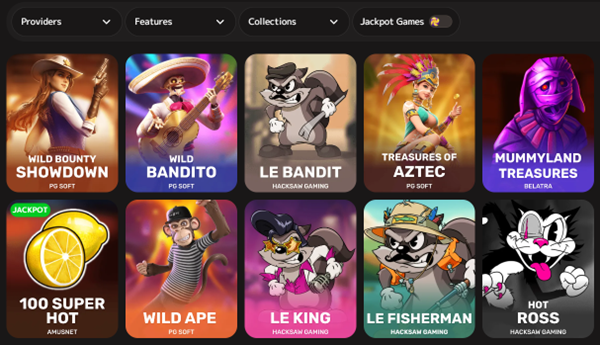
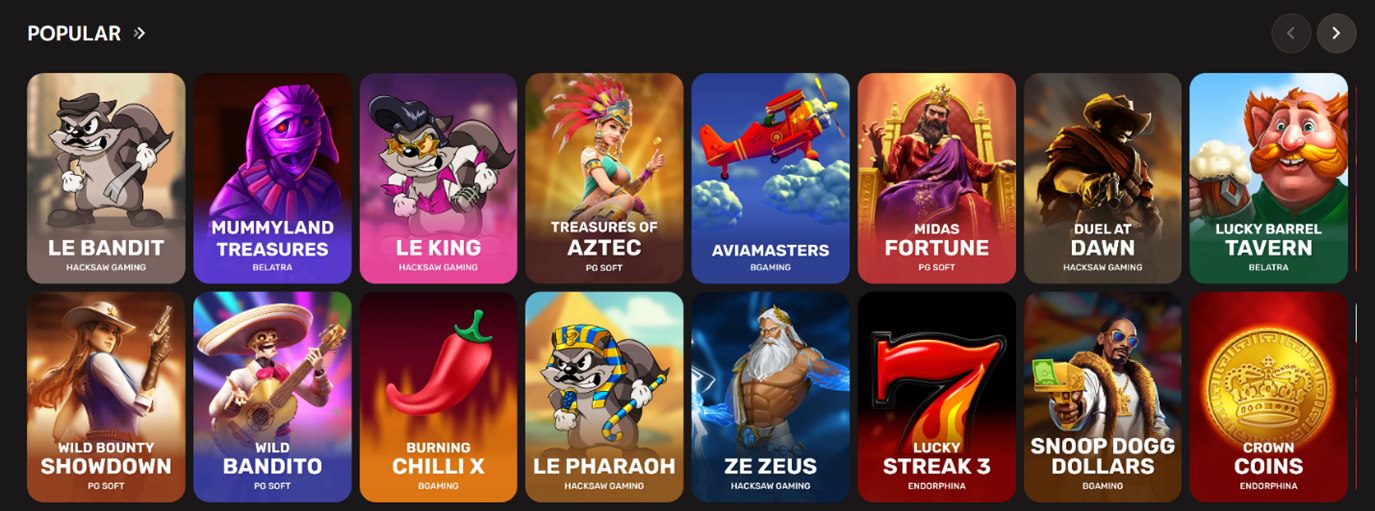
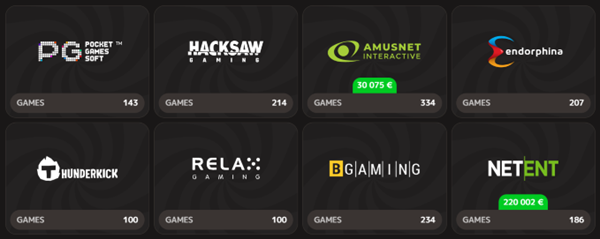
The full library is available on mobile — no mobile-exclusive restriction. That means access to over 10,000 slots from Microgaming, NetEnt, Pragmatic Play, BGaming and 1spin4win, the full Evolution Gaming live-dealer suite (Crazy Time, Lightning Roulette, Mega Ball, blackjack and baccarat), the full Pragmatic Play Live catalogue, table games (blackjack, roulette, baccarat, poker), the crash and instant-win section (Aviator-style, Mines, Plinko, Dice), and the exclusive Iris Cash'n Fruits Hold and Win slot. The slot lobby is touch-optimised — auto-spin, bet adjustments, paytable lookups and bonus-buy access are built for thumb interaction. Older Android devices with pre-2019 Mali or Adreno GPUs may struggle with the most graphically intensive slots due to WebGL constraints; the PWA falls back to lower-fidelity sprites.
Mobile-Exclusive PWA Features
Once installed, the PWA unlocks phone-specific features unavailable from plain browser: one-tap launch from the home screen with no address bar; opt-in push notifications for bonus drops, tournament starts and weekly cashback reminders; offline cache for basic navigation, account and game info pages (live play needs network); auto-rotation between portrait and landscape with adaptive layout; touch-optimised slot controls with larger tap targets; in-app camera access for KYC document upload, which captures ID front, back and selfie in one flow and speeds up KYC by several minutes; opt-in country-level geolocation for regional content adjustment.
Mobile Login — Same as Desktop, Plus Biometrics
Mobile login uses the same email-and-password flow as desktop. After your first successful login on the PWA, you can opt in to biometric login: Face ID on iPhone (iOS 14+ with TrueDepth), Touch ID on older iPhones, or fingerprint on Android. Subsequent logins become one-tap biometric. Two-factor authentication works the same way — Google Authenticator (recommended for offline reliability) or SMS to your verified phone number. Filipino +63 numbers are supported for SMS 2FA, although delivery times occasionally drag on Globe and Smart in peak hours — Google Authenticator is the safer primary 2FA. Password recovery is the standard email-reset flow. The complete login and sign-up walkthrough, including KYC, is on the dedicated login page.
Mobile Bonuses — Identical to Desktop
All Iris bonuses — the three-tier welcome package up to ~€1,300, the 180 Reload Spins on the fourth deposit, the Rush-coefficient Rakeback, weekly cashback, the Coin reward system — are available on mobile with no mobile-only restrictions and no mobile-only enhancements. Wagering (40× bonus, 35× free spins), the 72-hour window, the €/$5 maximum bet, the 10× cashout cap and the 3xAML rule on deposits all apply identically. Detailed bonus mechanics and worked maths are on the bonus page.
PWA vs Mobile Browser vs Native App — When to Use What
Three ways to access Iris on mobile, not equally useful. The PWA — installed to the home screen — is recommended for anyone who logs in more than once or twice a week: one-tap launch, push notifications, biometric login, offline cache and full-screen no-browser-chrome experience. The mobile browser path — opening iris.casino directly in Safari or Chrome without installing — offers identical functionality but with the address bar visible and no push notifications, biometric login or offline cache. It's the right choice for a one-off session, a test login or a quick balance check on a shared device. A native app is not available — no APK should be downloaded from any third-party source. Performance between PWA and direct browser is identical; the underlying engine is the same. Differences are about launch convenience, notifications and security on multi-user devices.
Iris Mobile Mirror and Alternate Domains
Iris runs region-specific mirror domains alongside the main iris.casino site. Austria and DACH: casino-iris.at, iris-casino.at and iris-casino-online.at. Canada: casino-iris.ca and iris-casino.ca. Global and recommended for Filipino players: iris.casino itself. Regional mirrors operate under the same Curaçao licence and operator, with localised language, payment options and bonus tiers. Filipino players should use the main domain — the regional mirrors don't include Filipino localisation or PH-specific payment paths. If your local ISP blocks the main domain at DNS level (uncommon but possible), switching to mobile data (different DNS chain) often resolves it, as can a legal VPN. Filipino law doesn't specifically blocklist offshore casinos for individual play, unlike China or Singapore. Always verify any "Iris" domain against the official iris.casino footer before logging in or depositing — phishing sites mimicking the brand are a known threat.
Mobile Pros and Cons
Pros: full 10,000+ game library access; identical welcome bonus, Reload Spins, Rakeback and cashback as desktop; PWA install in about sixty seconds; push notifications for promo alerts; biometric login support; offline navigation cache; automatic background updates; a 5 MB storage footprint that beats almost any native gambling app. Cons: no native APK or App Store listing, which can confuse first-time users; live-dealer tables need stable 4G+ and may stutter on weak 3G or unstable Wi-Fi; iOS 13 and earlier and Android 7 and earlier are unsupported; camera, notifications and geolocation require explicit OS-level permissions; push notifications can be blocked by aggressive battery-optimisation settings — usually a permission re-enable solves it.
Mobile Troubleshooting — Common Issues
If the PWA won't install on iPhone, use Safari (not Chrome — Apple restricts Add to Home Screen to Safari); confirm iOS 14+; clear Safari cache. If the PWA installed but won't open from the home screen, restart the device and, if needed, remove the home-screen icon and reinstall via Safari. If games won't load, check your 4G/5G or Wi-Fi connection (aim for at least 1 Mbps for live dealer), clear the browser cache, and relaunch. If push notifications stop arriving, check OS-level notification permissions and re-enable. If a live-dealer table is stuttering, switch from cellular to Wi-Fi. If login fails on mobile but works on desktop, reset your password and clear cookies for iris.casino. 24/7 live chat is the fastest route to support.
Frequently Asked Questions
Does Iris Casino have a native iOS or Android app?
No. Iris uses a Progressive Web App installed via "Add to Home Screen" (Safari, iOS) or "Install App" (Chrome, Android). No App Store or Google Play listing, no official APK.
How do I install Iris Casino on iPhone?
Open Safari, navigate to iris.casino, tap the Share icon, scroll to "Add to Home Screen" and confirm. About sixty seconds. Requires iOS 14+.
How do I install Iris Casino on Android?
Open Chrome, navigate to iris.casino, wait for the "Install app" banner and tap Install. Alternatively use Chrome menu → Install app. Requires Android 8.0+.
What is a PWA and how is it different from a regular app?
A Progressive Web App is a website that installs to your home screen and runs full-screen like a native app, while remaining a web application underneath. Advantages: auto-updates, no app-store gatekeeping and a much smaller storage footprint than a native gambling app.
Are bonuses different on mobile?
No. The welcome package, Reload Spins, Rakeback, weekly cashback and all other promotions are identical between mobile PWA and desktop. Wagering terms (40× bonus, 72-hour window) are unchanged.
What games are available on mobile?
The full library — over 10,000 titles, all slots, the full Evolution Gaming live-dealer suite, table games, crash games and the exclusive Iris Cash'n Fruits Hold and Win slot.
Can I play through the mobile browser without installing the PWA?
Yes — full functionality is available through direct browser access. PWA install adds convenience (home-screen icon, push notifications, biometric login) but isn't required.
Is downloading an Iris APK safe?
No. Iris doesn't publish an official APK. Any "iris.apk" file from a third-party site is unofficial and a security risk — treat it as potential malware. The PWA route is the only legitimate Iris mobile install.
Can I log in with Face ID or fingerprint on mobile?
Yes — after the first password login on the PWA, biometric login can be enabled in account settings. Face ID, Touch ID and Android fingerprint are all supported depending on device hardware.
Are there mirror domains for Iris that work on mobile?
The main domain for global and Filipino players is iris.casino. Regional mirrors exist for Austria (casino-iris.at and others) and Canada (casino-iris.ca and others). Filipino players should use the main domain — regional mirrors don't include Filipino localisation.
Final Verdict — Should You Use Iris on Mobile?
The Iris PWA is the right answer for any Filipino player who plays from a phone — the majority of the PH iGaming audience. Install is fast, footprint is tiny, the experience is identical to desktop, and the convenience of one-tap launch with biometric login and push notifications makes it the obvious choice over plain browser access. Do not download any APK from a third-party source — there's no official Iris APK, and what you find on unofficial sites is malware in most cases. The PWA isn't a workaround for a missing native app; it's the official mobile delivery path for the brand, and for the new-Curaçao-brand cohort generally. Native iOS or Android apps may follow later if regulatory pathways open up, but as of 2026, PWA is what you should use.